
Microsoft Copilot Is Not One Product, It's Three. Which One Does Your Team Need?
Three products, one name, three completely different pricing and risk models. Learn which Copilot variant your team actually needs.
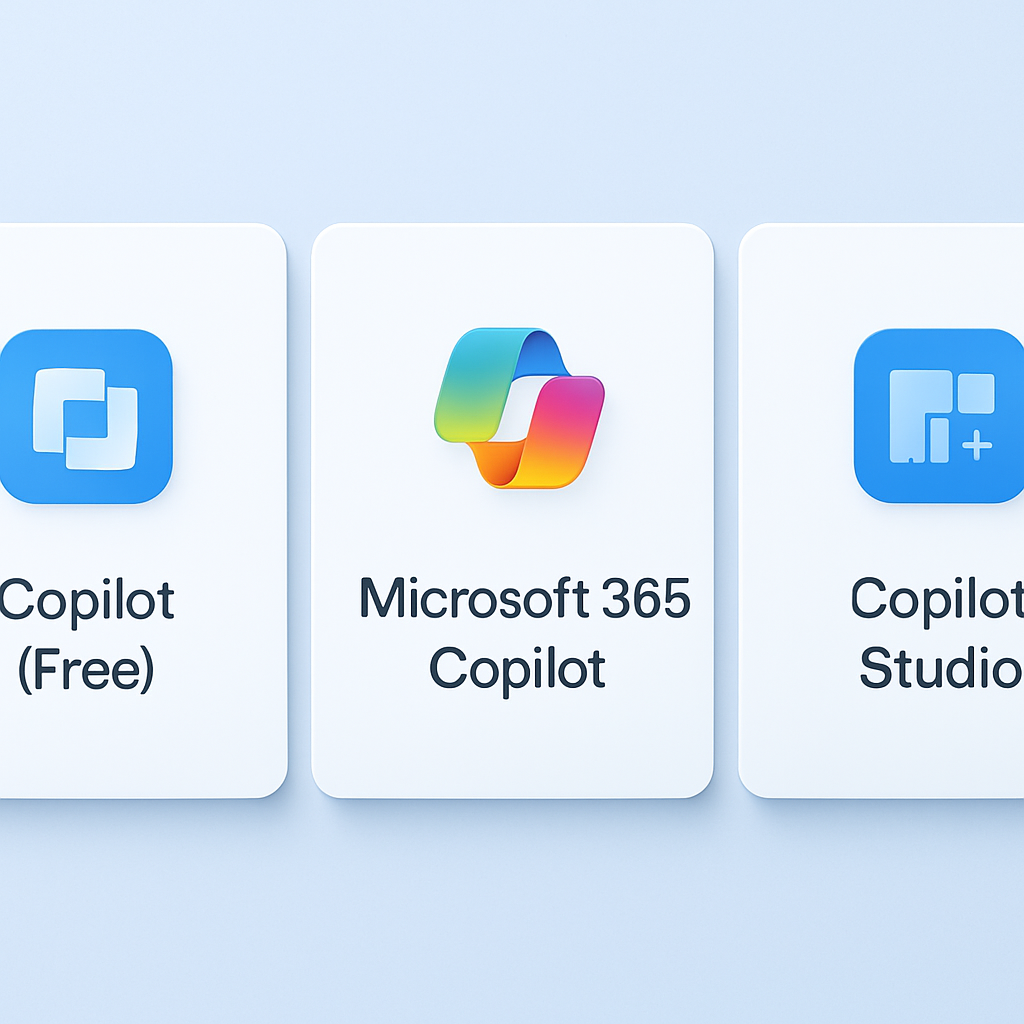
When you mention "Copilot" to your team, you might think everyone's talking about the same thing. They're not. Microsoft markets three fundamentally different products under the Copilot umbrella, and choosing the wrong one could cost your organization time, money, or trust.
The Three Copilots: An Overview
Microsoft has created a confusing landscape by using the same "Copilot" branding for three distinct products with different capabilities, pricing models, and deployment strategies. Here's what you need to know:
Quick Comparison Table
| Feature | Copilot (Free) | Microsoft 365 Copilot | Copilot Studio |
|---|---|---|---|
| Price | Free / $20/month (Pro) | $30/user/month | $500–$2,000/month |
| Access Type | Consumer / Commercial | Enterprise/Teams | Custom deployment |
| Data Handling | Chat may be retained | Enterprise-grade protection | Full control |
| Customization | None | Limited | Extensive |
1. Copilot (Free / Pro)
This is the consumer-grade version you access at ChatGPT.com-like interfaces or through Bing Search. Employees use it on their personal devices during break time (or, let's be honest, during work hours when they don't realize company data leaks into Microsoft's training pipelines).
When to use it:
- Personal AI experiments and learning
- Quick brainstorming for non-sensitive tasks
- Employees who want advanced features (Pro version)
When NOT to use it:
- Company data or proprietary information (data retention concerns)
- Regulated industries (healthcare, finance, legal)
- Team collaboration requiring consistent access controls
2. Microsoft 365 Copilot
This is Microsoft's enterprise-grade offering, deeply integrated into Microsoft 365 (previously Office 365). It works within Word, Excel, PowerPoint, Outlook, and Teams, giving your team AI assistance where they already spend their workdays.
Key features:
- Works within Microsoft 365 applications
- Processes your organization's data with enterprise-level security
- Costs $30 per user per month (on top of your Microsoft 365 license)
- Automatically respects your existing access controls and permissions
When to use it:
- Your team already uses Microsoft 365 extensively
- You need AI assistance in documents, spreadsheets, and presentations
- You want enterprise-grade data protection without custom development
When NOT to use it:
- You need AI outside the Microsoft 365 ecosystem
- You require deep customization or specialized workflows
- You want to avoid vendor lock-in with Microsoft
3. Copilot Studio
This is Microsoft's custom AI deployment platform, designed for organizations that want to build, host, and deploy their own AI applications. It's less about general productivity and more about creating specialized AI agents for your business.
Key features:
- Build custom AI agents with your own data and workflows
- Deploy in Microsoft Teams, web, or mobile
- Higher pricing reflects its enterprise-scale capabilities
- Full control over data, models, and integrations
When to use it:
- You have specific, custom AI workflows
- You want to build AI applications for your team or customers
- You need deep integration with your existing systems and data
When NOT to use it:
- You're just looking for basic AI productivity tools
- You don't have the budget or technical resources for custom development
- You need quick deployment without extensive setup
Key Takeaway
The free Copilot is consumer-grade and risky for enterprise data. Microsoft 365 Copilot is the sweet spot for most teams already invested in Microsoft—it's secure, integrated, and predictable. Copilot Studio is for companies ready to invest in custom AI applications.
Making the Right Choice for Your Team
The decision ultimately comes down to three questions:
- Are you already using Microsoft 365? If yes, Microsoft 365 Copilot is likely your best bet.
- Do you have custom AI workflows? If yes, Copilot Studio is worth exploring.
- Are you just experimenting? Start with the free Copilot, but keep sensitive data out of it.
The worst mistake is treating the free Copilot as an enterprise solution. It's not. Your company data deserves better protection than a consumer-grade AI tool can offer.
What's Next?
If you're planning to roll out Copilot across your organization, we recommend auditing your current Microsoft 365 usage first, then evaluating whether Microsoft 365 Copilot or a custom solution fits your workflows better. Don't let the branding confusion lead to poor security decisions.
Category
Tools & Technology
Tags
Ready to Roll Out AI in Your Team?
Choosing the right tool is just the first step. We help teams plan, implement, and optimize AI adoption to drive real productivity gains.
Sources & References: